 An official website of the United States government




Use SSO to create or sign in to your account
Use the OITE website to make appointments, sign up for events, and access OITE resources.
On this page
If you don't have an OITE account yet
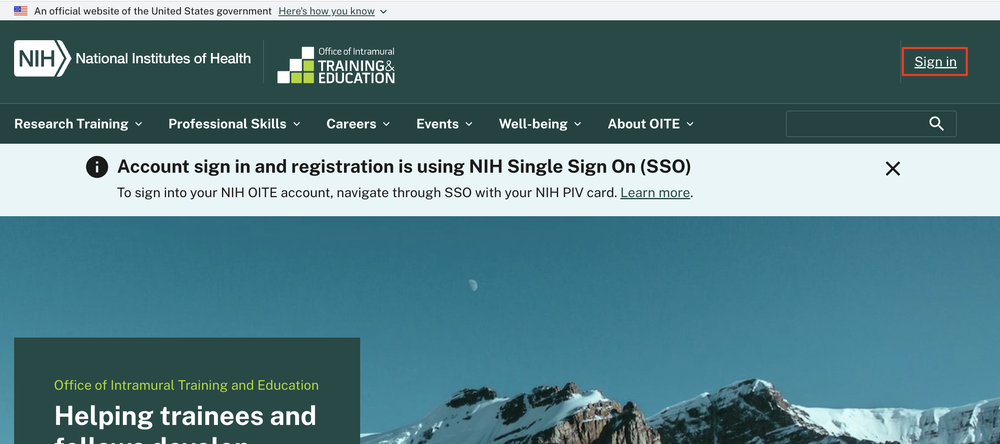
1. Click on the words 'Sign in' in the upper right hand corner.
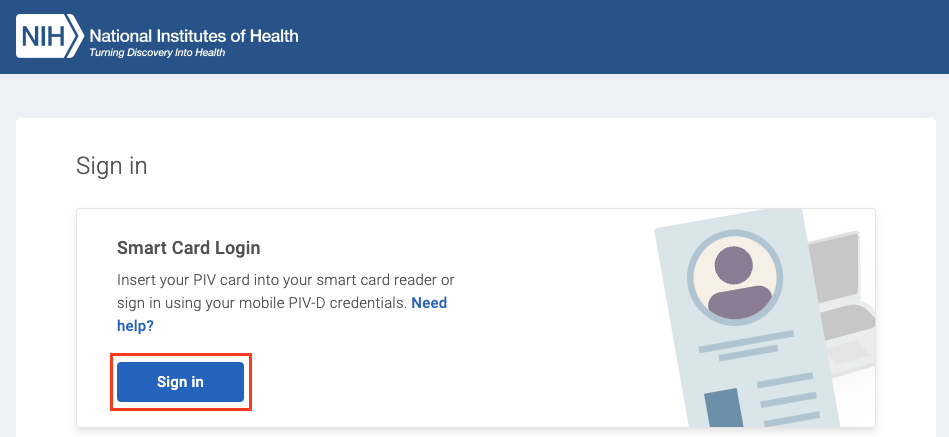
2. Log in to the NIH Single Sign On (SSO) using your NIH PIV card.
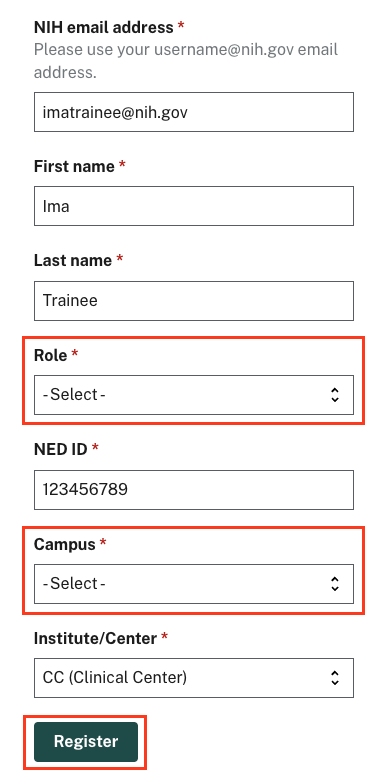
3. Complete your registration.
Some information is populated for you. Enter your 'Role' and 'Campus' to before clicking 'Register.'
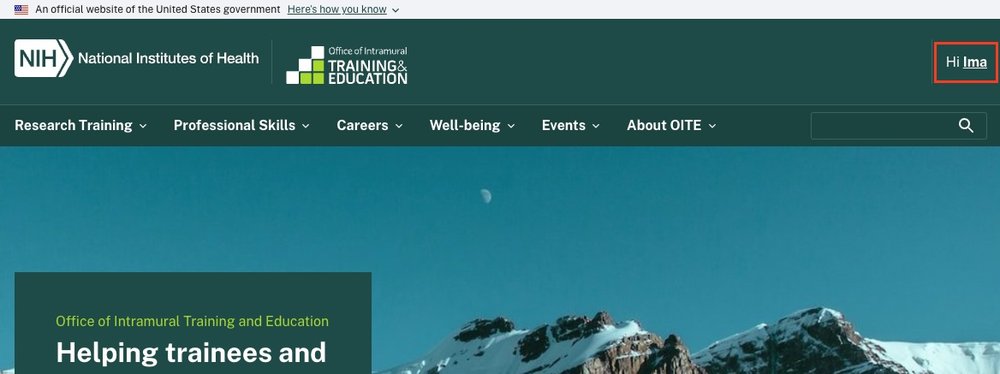
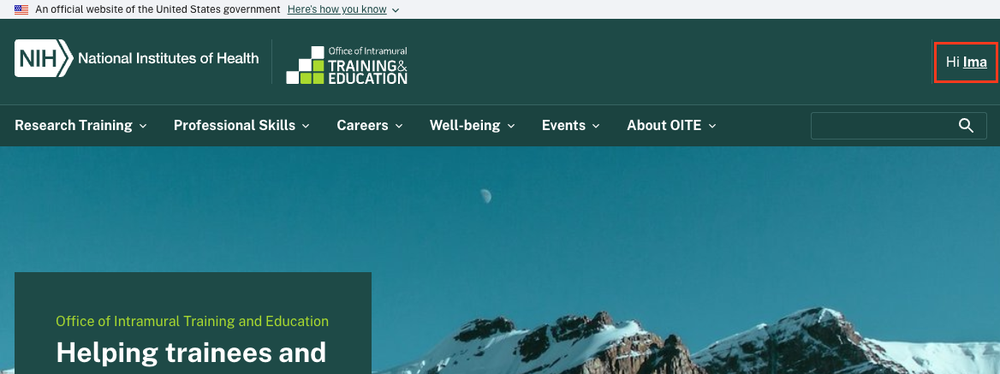
4. You are signed in.
You have created your OITE account. You can now use your account to register for upcoming events and book appointments with career counselors and educational advisors.
Having trouble creating an account?
If you already have an OITE account
1. Click on the words 'Sign in' in the upper right hand corner.
2. Log in to the NIH Single Sign On (SSO) using your NIH PIV card.
3. You are signed in.
You have signed in to your OITE account. You can now use your account to register for upcoming events and book appointments with career counselors and educational advisors.
Contact us
Email us at OITE@nih.gov with any questions or concerns.