Official websites use .gov
A .gov website belongs to an official government
organization in the United States.
Secure .gov websites use HTTPS
A lock (🔒) or https:// means you've safely connected to the .gov website. Share sensitive information only on official, secure websites.
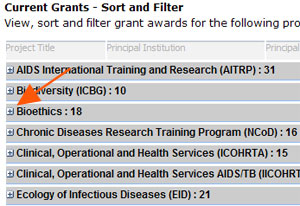
Learn more about how to search and filter lists of current Fogarty grants. Follow these step by step instructions on how to filter grant awards by collaborating country.
to collapse the list of awards by each Fogarty Program name.
Image
Filter Grant Awards by Country
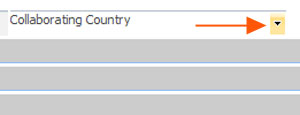
From the main Fogarty grant awards page, you can filter grant awards by collaborating country. This function works best in Internet Explorer. Hover your cursor over the "Collaborating Country" column until a highlighted arrow appears.
Image
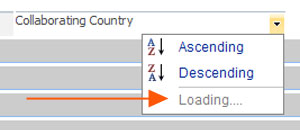
Click the highlighted arrow and wait while the list of countries loads.
Image
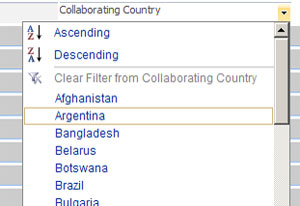
Select a country for the list to generate a filtered list of grant awards collaborating with that country. Click the plus icon
Image
to expand the list of awards.
Image
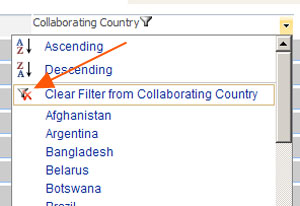
To restore the full list, hover your cursor over the "Collaborating Country" column again, and select "Clear Filter
Image
Please note that this is not a comprehensive list, and is continually being updated by Fogarty's Division of International Research and Training.
 An official website of the United States government